
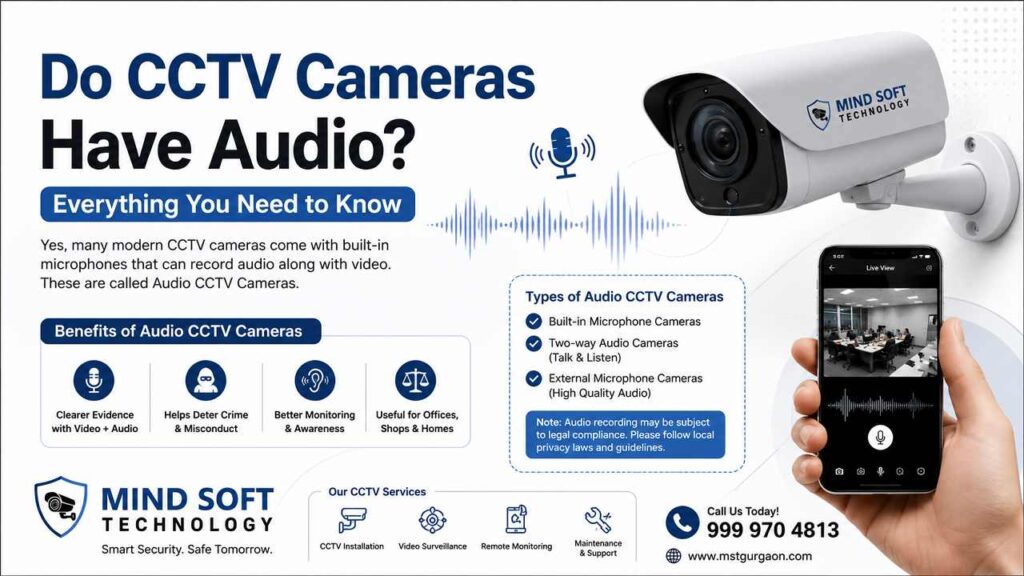
In modern security surveillance, the question “Do CCTV cameras have audio?” has become increasingly relevant for homeowners and business owners in India. The simple answer is: not all CCTV cameras have audio capabilities, but many modern systems do. Whether you need a CCTV camera with a microphone for your home security. Or you need an audio CCTV system for your office. Understanding how these systems work is essential. You should also be aware of their legal implications in India.
It is also important to understand their practical benefits. This clear guide covers what you need to know about CCTV cameras with audio recording. It explains basic technology and offers installation tips. At Mind Soft Technology (Contact: 999 970 4813), we install top CCTV cameras with audio. We comply with Indian privacy laws and provide robust security solutions.
What Is Audio Recording in CCTV Cameras?
Recording audio on CCTV systems refers to the ability of security cameras to capture audio alongside video footage. This makes a better security recording. It records conversations, odd alarms, noises, and many other sounds. These audio cues provide vital information to the visual surveillance.
How CCTV Audio Technology Works
The technology behind audio recording varies depending on your camera type. In analog CCTV systems, audio is sent directly to the DVR. The microphone sends an analog signal.
The DVR converts the audio to digital at the recorder. The number of microphones you can install depends on how many inputs the DVR supports. In IP CCTV cameras, audio input is handled by the camera. The camera converts it to digital audio.
This distinction in technology is important as it impacts how easily you can integrate audio into your existing system. Modern IP-based cameras can make audio integration considerably easier than older analog systems.
Difference Between Video-Only & Audio CCTV Cameras
Many CCTV cameras do not have audio. Many modern cameras are specifically designed for recording video. The main difference is in the camera’s hardware. Audio-enabled cameras include built-in microphones or can use external microphones. The models that support only video do not include these components.
When checking out CCTV cameras, you’ll see that those with audio tend to be more expensive at first. However, they can provide more evidence in an investigation. For example, in-store audio may help settle issues at checkout. At home, it can capture crucial disputes or threats that video might miss.
Built-In Microphone vs External Microphone
Wireless security cameras and video doorbells usually come with built-in microphones. They are the best choice for both indoor and outdoor home use. They are also great for business surveillance. These built-in solutions are easy to use and require no further installation.
For analogue CCTV cameras or systems without a built-in audio system, external microphones may be employed. However, CCTV systems will not automatically record audio. You can, however, add additional microphones for recording audio. Hybrid coaxial cables may transfer signals from the microphone to the DVR.
Do All CCTV Cameras Have Audio Features?
The simple answer is no—not all CCTV cameras record audio. It is important to know which cameras can do this before installation.
Cameras That Support Audio Recording
Most modern IP cameras and wireless security systems include audio features. Many modern security cameras have built-in microphones and speakers for audio. These typically include:
- IP network cameras with built-in mics.
- Wireless WiFi security cameras.
- Smart home security cameras.
- Video doorbells
- New analog HD CCTV systems with audio inputs.
CCTV Models Without Sound Recording
Traditional analog CCTV cameras from earlier generations often lack audio capability entirely. These older models were designed strictly for video surveillance. Additionally, most traditional cameras are made mainly for video surveillance. However, some modern Network IP CCTV and Wi-Fi cameras include built-in microphones.
How to Check If Your CCTV Camera Has Audio
To check whether your setup supports audio, look for a small hole near the lens or the case.
Check the camera specs sheet or product manual.
Open the software to see if an “audio channel” is listed.
You can also contact your installer or technical support.
Additionally, you can check the cables coming out of the camera. The red cable is for power. The yellow cable is for video recording. The white cable is for audio recording.
Types of CCTV Cameras with Audio Recording
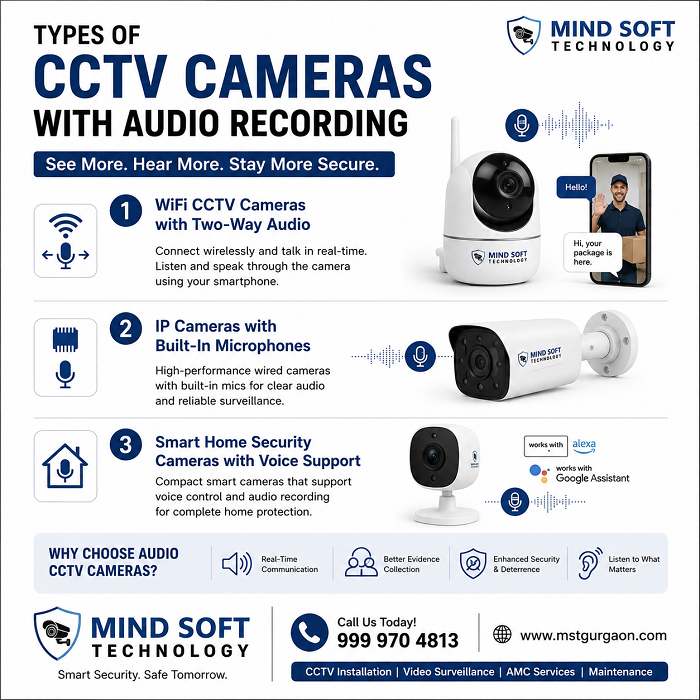
WiFi CCTV Cameras with Two-Way Audio
Two-way audio lets users listen to sounds near the camera and speak through it to people nearby. This feature is now standard in most WiFi security systems. It allows real-time talk with visitors, delivery staff, or possible intruders.
IP Cameras with Built-In Microphones
Two-way audio allows real-time communication. Users can listen to and speak through security cameras. They use smartphone apps and NVR-based interfaces. Microphones are best used within 9.5 -16 feet. Top brands like Hikvision, CP Plus, and Dahua offer powerful IP cameras with built-in audio.
Smart Home Security Cameras with Voice Support
Modern smart home integrations allow voice control and audio alerts. WiFi security camera systems often use a single app, a single cloud plan, and simple storage. They also offer smart features like motion detection and two-way audio. This lets you talk to visitors or warn prowlers.
Benefits of CCTV Cameras with Audio
Better Home & Office Security
Security cameras with audio detection in home security systems strongly deter criminal activity. Homes with these advanced security systems are less likely to be targeted by intruders. The higher risk of being seen and recorded makes them a strong deterrent. Audio also captures useful evidence and can warn off burglars or vandals.
Real-Time Communication Through Cameras
Audio-enabled systems transform passive monitoring into active security. You can greet visitors, give delivery instructions, issue warnings, or talk with family members remotely. You can do it all from your smartphone.
Improved Evidence Collection During Incidents
Clear audio recordings provide key details, such as voices, conversations, or verbal threats. This strengthens the evidence, especially when visual identification is difficult. This can happen in low light or when views are blocked.
How CCTV Audio Recording Works
Audio Transmission Through DVR & NVR
The signal path will depend on your system’s design. Analog systems transmit audio in the form of signals in analog form through the DVR. The DVR converts the signal to digital and then syncs it to video. These systems use IP to convert the audio into digital when they are connected to the point of capture. They then send audio and video over their network to the NVR.
Mobile App Audio Monitoring Features
Remote live view lets users access an app to view live video in just a few seconds. Also, it sends real-time mobile alerts whenever the camera detects movement or sounds. Most modern systems support full audio playback in mobile apps. This lets you listen to conversations and background sound from any location.
Storage Requirements for Audio Recordings
Good news for storage planning: Audio uses very little space. A typical G.711 audio stream is 64 Kbps. That adds under 1.5% to total storage versus a 4,000 Kbps video stream. You generally don’t need to factor this in unless you have thousands of channels. If storage is a concern, disable audio recording where it is not needed. For example, in parking lots, it can save CCTV storage space.
Are CCTV Cameras with Audio Legal in India?
Privacy Rules for Audio Surveillance
The Indian IT Act 2000 controls audio recording by CCTV cameras. Consent is essential in private areas. Public spaces allow video recording; however, audio recording is usually not permitted. Offices and homes must publish disclosure signs.
Where Audio Recording Is Allowed
In the home, a CCTV camera’s audio recording is allowed when there aren’t any guests who expect privacy. Avoid recording rooms and bathrooms, and place “CCTV with Audio” signs. In India, the IT Act 2000 governs audio recording by CCTV cameras.
Important Legal Precautions Before Installation
Before installing CCTV, ensure compliance with legal requirements. Always inform people about surveillance through clear signage. Avoid placing cameras in private or sensitive areas. Limit recording to necessary areas, such as entrances or common areas. Avoid audio recording in private spaces.
How to Enable Audio in CCTV Cameras
Activating Audio Settings in DVR/NVR
By default, many DVRs are set to record ‘Video Only’ to save hard drive space. Go to your DVR Main Menu → Camera / Encode Settings.
Find the “Stream Type” drop-down menu.
Change it from “Video Stream” to “Video & Audio”.
Connecting External Microphones
For analog systems that need better audio, connect external microphones with the right audio cables. Plug them into your DVR’s audio input ports. Ensure proper impedance matching and use quality shielded cables to minimise interference.
Testing Audio Recording Quality
After enabling audio, test the system in both live view and playback modes. Check playback each week. Watch five minutes from the prior night. Confirm the hard drive is recording video and audio.
Best CCTV Camera Brands with Audio Features
Hikvision Audio CCTV Cameras
Hikvision’s Audio 2.0 technology combines a more powerful speaker system and Smart PA (Smart Power Amplifier). It increases the speaker’s audio coverage, thereby providing an effective and efficient alert. Dual-array microphones utilise anti-reverberation and echo-cancellation techniques to produce crisp audio. They also improve the pickup frequency compared to single mics.
CP Plus Cameras with Microphone Support
CP Plus offers a wide range of CCTV cameras with audio. These cameras fit basic to mid-range security needs. Their Cosmic and Indigo series offer reliable audio recording at competitive prices. Strong local support is also available.
Dahua & Smart WiFi Security Cameras
While a few Hikvision cameras support sound recording, Dahua offers the same audio feature in more models. This gives you greater versatility. Their TiOC series includes audio recording. This is crucial for dispute resolution, especially in retail settings.
At Mind Soft Technology, we install these premium brands.
We also provide full audio integration and legal compliance.
Call 999 970 4813 for expert consultation.
Common Problems with CCTV Audio Recording
No Sound in Playback
The most common reason for no audio is disabled audio settings in the DVR. By default, many DVRs record “Video Only” to save storage space. Verify that ‘Audio Enable’ is turned on for each camera channel in your Encode settings.
Poor Audio Quality or Disturbance
Audio buzz in video footage often comes from a weak auxiliary connection. It can also come from damaged wire shielding. A quick physical check of the connection and wire shielding can find and fix the issue. Humming or thrumming sounds can come from machine noise or audio interference. You may need new shielding or a different camera position.
Audio Not Working on Mobile Apps
If your CCTV captures video but does not have audio when using mobile apps, the cause is usually an issue with the wireless connection. Most wireless cameras with audio issues have connection problems, not hardware problems. Using extenders and mesh Wi-Fi systems can improve wireless camera coverage and reliability. wireless cameras.
Tips for Choosing the Best CCTV Camera with Audio
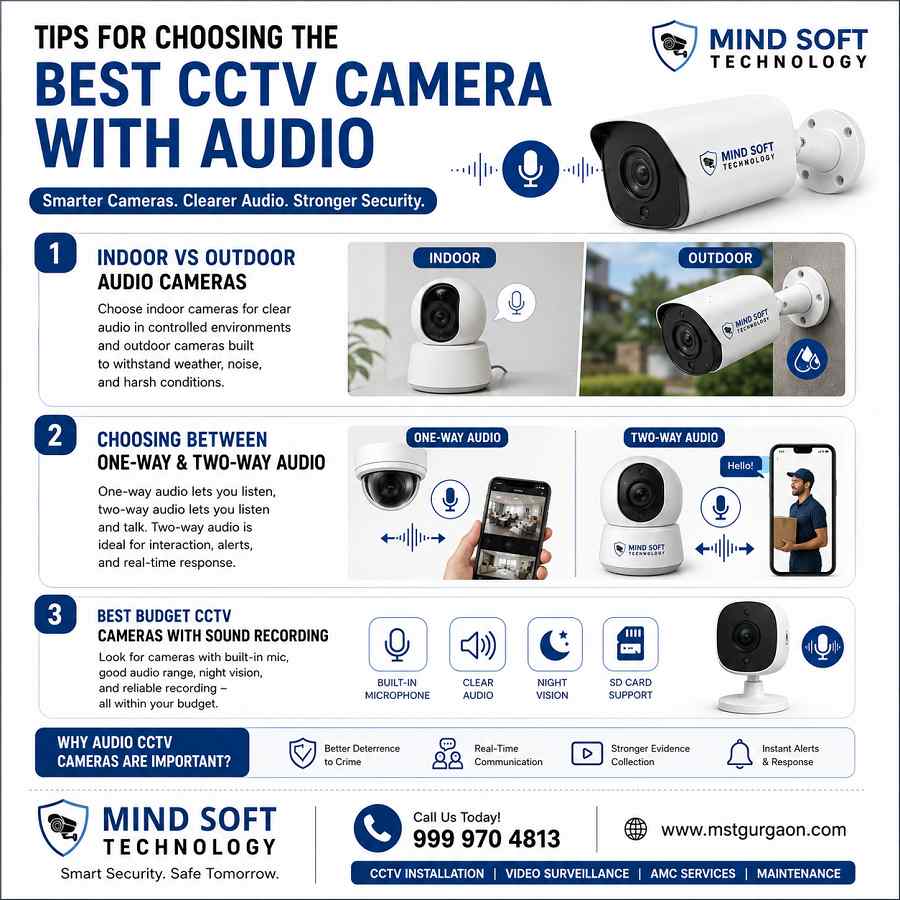
Indoor vs Outdoor Audio Cameras
Indoor microphones capture audio effectively within 5-10 meters. Outdoor cameras can struggle with wind and background noise. They usually capture audio only at short distances. Install cameras at about 7-8 feet height—too high, and they pick up birds; too low, and they become easy targets. Avoid noisy areas, such as HVAC vents or open windows.
Choosing Between One-Way & Two-Way Audio
One-way audio lets the camera record sound in its vicinity. This helps capture events and improve security monitoring. Two-way audio is now common in many mid-tier and higher-end models.
It uses a built-in mic and speaker so you can listen and talk through the camera.
It works like an intercom.
It helps you greet visitors, give delivery instructions, or warn off trespassers.
Best Budget CCTV Cameras with Sound Recording
Quality IP cameras from CP Plus offer excellent value for budget-conscious buyers. However, do not compromise on microphone quality. Poor microphones create frustrating audio, even with good cameras.
Final Conclusion
Is a CCTV Camera with Audio Worth It for Security?
The answer is contingent on the security requirements you have in mind. For homes that need visitor access and offices that need security, audio CCTV cameras offer great value. The small impact on storage (under 1.5 per cent) lowers the cost of ownership. Strong deterrence and clear evidence also support the need to invest.
Be aware that compliance with the law is not negotiable in India. Always post clear signs requesting consent, and never take pictures of private areas. Modern technology from Hikvision, CP Plus, and Dahua is simple to install. Professional integration can help ensure security and legal conformity.
Ready to upgrade your security with professional CCTV audio systems? Contact Mind Soft Technology today. We offer great prices, expert installation, and full compliance support. Call us at 999 970 4813 or visit us for a free consultation.
FAQs – Do CCTV Cameras Have Audio?
Do all CCTV cameras have audio recording?
No, not all cameras do. Traditional analog cameras often lack audio. Modern IP, WiFi, and smart cameras usually include audio.
Are CCTV cameras with audio legal in India?
Yes, on your property with signs and consent. Avoid private areas like bedrooms. Follow the IT Act 2000 rules for public spaces.
What’s the difference between built-in and external microphones?
Built-in mics are handy for IP or WiFi cameras. External mics connect by cable to analogue DVRs for upgrades.
How do I enable audio on my CCTV system?
In DVR/NVR settings, switch the Encode/Stream options from “Video Only” to “Video & Audio”. Then test playback.
What are the benefits of two-way audio in CCTV?
It lets you listen and speak from anywhere using the app. It is ideal for greeting visitors. You can warn intruders or give delivery instructions.